
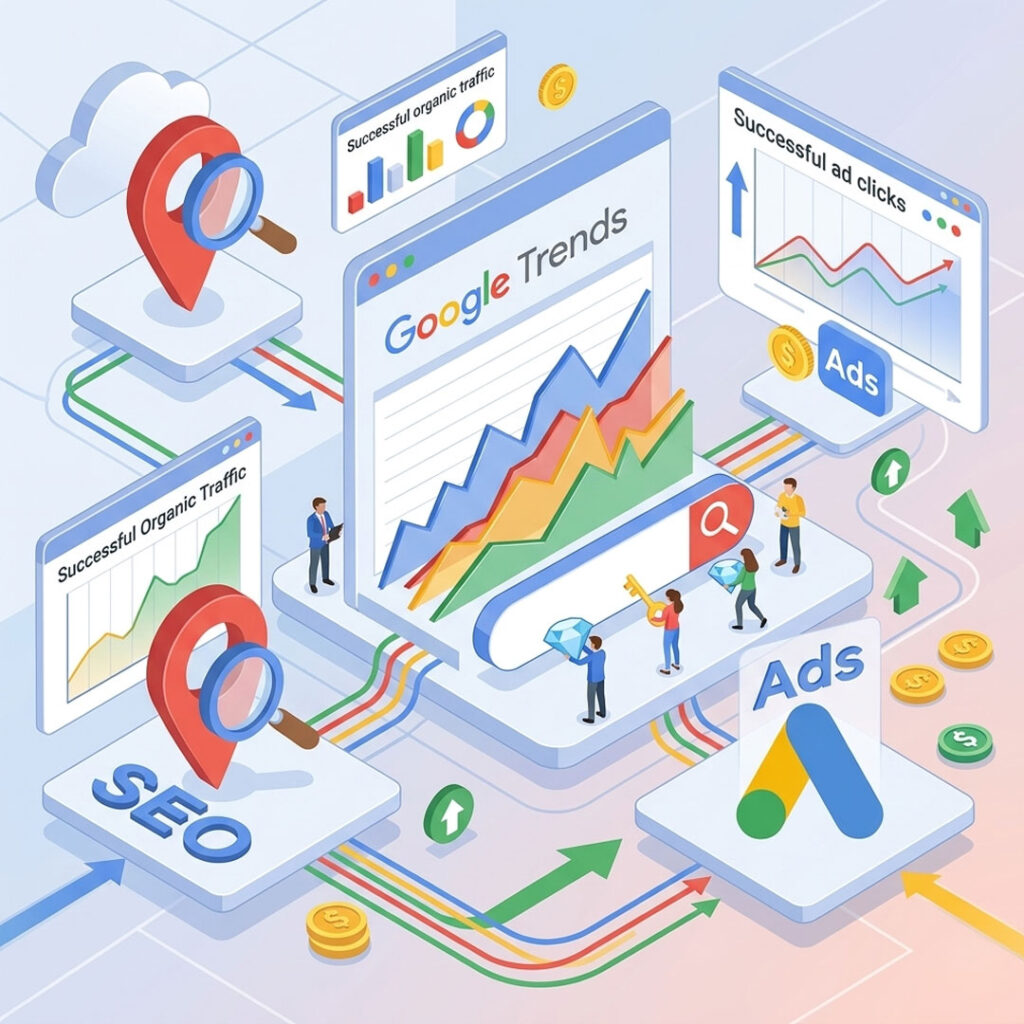
Google Trends is a free tool from Google that analyzes search term popularity in real-time. Unlike Keyword Planner which only shows historical data, Google Trends shows where attention is moving right now and where it's headed next. It's 100% free, requires no account, and helps you find keywords for SEO and Google Ads that competitors haven't spotted yet. This guide covers 3 actionable steps plus 4 advanced techniques that professional marketers use.
What Is Google Trends?
Google Trends is a free search trend analysis tool from Google that shows the popularity of search terms over time, from the past hour to 20 years back. You can filter by country, region, category, and search platform (Web Search, YouTube, Google Shopping).
What makes Google Trends different from standard keyword tools is that it doesn't show exact Search Volume numbers. Instead, it shows "direction" — whether a keyword is rising or falling. Pod Digital อธิบายไว้ชัดเจนthat Search Volume from Ahrefs or Keyword Planner is a "lagging indicator" that tells you the past, while Google Trends is a "leading indicator" that tells you where attention is actually moving.
For SMEs, Google Trends is ideal for planning content ahead of time, checking whether your products still have demand, and discovering new keywords before competitors see them.
5 Things Marketers Can Learn from Google Trends
Google Trends offers far more than a line graph going up and down. The hidden data is more valuable than most people realize.
1. Rising Keywords — Terms Gaining Momentum
Scroll below the main graph to find "Related Queries" split into Top (most popular) and Rising (fastest growing). ข้อมูลจาก Advert Digital Marketing ระบุว่า that Rising Keywords show search terms experiencing rapid growth, sometimes labeled "Breakout" meaning over 5,000% increase. Catching these before competitors gives you a first-mover advantage on Google rankings.
2. Seasonal Trends — Recurring Patterns
Some keywords follow the same pattern every year. "Christmas gifts" spikes every December, "tax filing" peaks in March. Knowing these patterns lets you plan Content and Google Ads campaigns 2-3 months in advance instead of reacting after the trend has already peaked.
3. Regional Interest — Popularity by Location
LivePlan explains that Google Trends displays a map showing exact percentages of where search terms are most popular by region. This is invaluable for businesses running Local Marketing or location-targeted Google Ads, because it enables far more precise Location Targeting.
4. Related Topics — Connected Subjects
OnlyAlok points out that Related Topics show broader subjects people interested in your keyword are also searching for. Search "marketing" and you might see Related Topics like "content marketing" or "social media" — instant content ideas you may never have considered.
5. Compare Keywords — Side-by-Side Analysis
The most powerful feature is comparing 2-5 keywords on a single graph. Compare "Google Ads" vs "Facebook Ads" vs "TikTok Ads" and instantly see which platform is trending stronger and during which months. Advert Digital Marketing recommends comparing informational vs transactional keyword variations to determine which aligns better with your target search intent.
3 Steps to Find Winning Keywords with Google Trends
No technical skills required. Takes about 10 minutes.
Step 1: Enter a Keyword Related to Your Business
Open trends.google.co.th and type a keyword your customers would search. If you sell coffee, try "specialty coffee." Set the filter to your target country and the past 12 months.
Step 2: Analyze the Graph + Check Rising/Related
If the graph trends upward, the keyword is gaining momentum. If it's declining, it may be losing relevance. Then scroll down to check Rising Keywords — these are hidden gems your competitors haven't targeted yet.
Example: Search "specialty coffee" → Rising Query "cold brew at home" → That's a low-competition keyword opportunity.
Step 3: Verify Actual Search Volume in Keyword Planner
This step is critical. Google Trends only shows "direction," not real volume. Take your discovered keywords to Google Keyword Planner (free inside Google Ads) or Ahrefs/Semrush to check actual monthly Search Volume. Sometimes a Rising Keyword only gets 10 searches per month — not worth creating content for.
4 Advanced Techniques for Maximum Results
This is how professional marketers use Google Trends.
1. Compare 4-5 Keywords Simultaneously
Instead of searching one keyword at a time, enter 4-5 related terms together. For example: "Google Ads" vs "Facebook Ads" vs "TikTok Ads" vs "LinkedIn Ads." The graph instantly reveals which is trending stronger.
2. Limit Time Range to the Past 12 Months
Looking back 5 years introduces noise. For Content and Ads decisions, 12 months gives the clearest signal. The exception: when analyzing Seasonal Patterns, look back 5 years to spot recurring cycles.
3. Filter by Specific Region, Not Worldwide
An SME operating in Thailand must always filter to "Thailand." Trends in the US may have zero relevance to the Thai market. Going further to regional or city-level data is even better for local businesses.
4. Check YouTube Search Separately from Web Search
A trick most people miss: Google Trends can show YouTube Search data separately. Switch from "Web Search" to "YouTube Search" and you'll see the same keyword trending differently on YouTube. Essential for planning Video Content strategy.
Important Limitations to Know Before Using Google Trends
Google Trends is powerful but has limitations SMEs must understand.
1. Rising Keywords May Be Temporary Spikes. Some keywords surge because of a one-time news event, not lasting demand. If you're building long-term SEO content, choose keywords with stable volume over time rather than flash-in-the-pan spikes.
2. Google Trends Doesn't Show Real Search Volume. The numbers on the graph represent "relative popularity," not actual search counts. A keyword showing high on the graph might only get 50 searches per month. Always verify with Google Keyword Planner.
3. Related Topics May Not Be Relevant. Sometimes Google suggests loosely connected topics that don't match your business. Use them as starting ideas, but don't trust blindly.
4. Regional Data Can Be Inaccurate for Low-Volume Terms. If a keyword has very low search volume, the Regional Interest map may be unreliable due to small sample sizes.
Bottom Line: How Google Trends Helps Your Business
Google Trends is the most powerful free tool for marketers who want to know what customers care about right now. Use it for SEO content planning, choosing keywords for Google Adsand spotting trends before competitors.
Three things to remember:
- Google Trends shows "direction," not "numbers." Always verify volume in Keyword Planner.
- Rising Keywords are gold. Catch them before competitors and you rank first.
- Check trends regularly every 1-2 months, not once a year. Markets shift fast.
Before investing in Google Ads use Google Trends to find winning keywords first. It reduces ad spend and improves campaign performance significantly. Or if you'd rather not analyze on your own, the Meawbok8 team is ready to build your keyword strategy. Contact us on LINE @406yntcs Google Ads Services for a free consultation.
Frequently Asked Questions About Google Trends
Is Google Trends Free?
100% free. No signup, no Google Ads account needed. Just open trends.google.com and start typing keywords. There's no limit on how many searches you can run.
What's the Difference Between Google Trends and Keyword Planner?
Google Trends shows "direction" — whether a keyword is rising or falling — but doesn't show exact Search Volume. Keyword Planner shows actual volume numbers but only historical data, not whether the term is currently trending. Use both together: Trends for direction, Planner for volume confirmation.
How Far Back Does Google Trends Data Go?
Google Trends shows data from 2004 to the present in real-time. For short-term trend analysis, the past 12 months works best. For identifying Seasonal Patterns, look back 5 years to see recurring cycles.
Which Business Types Benefit Most from Google Trends?
Every online business benefits, but it's especially powerful for E-commerce businesses needing to spot product trends early, Content and Media businesses that produce trend-driven content, and Seasonal businesses that need to know when customer search peaks.
Can Google Trends Show Website Rankings?
No. Google Trends only analyzes search terms, not websites. To check website rankings and traffic, use tools like SimilarWeb, Ahrefs, or Google Search Console for your own site.